
How to create a shared team app experience in Apiboost
Creating a New Team
At the moment, only site Admins and Product Owners may create new teams.
Self-service teams are an upcoming feature enhancement.
Adding New Team Members
As a team admin, you have the ability to manage the team's apps, members and the team's description. As a team member, you're given read access to credentials for apps of teams you're a member of.
|
Admins |
Members |
|---|---|
|
View/Manage team members Edit team info/description Create team apps |
Can only view team apps |
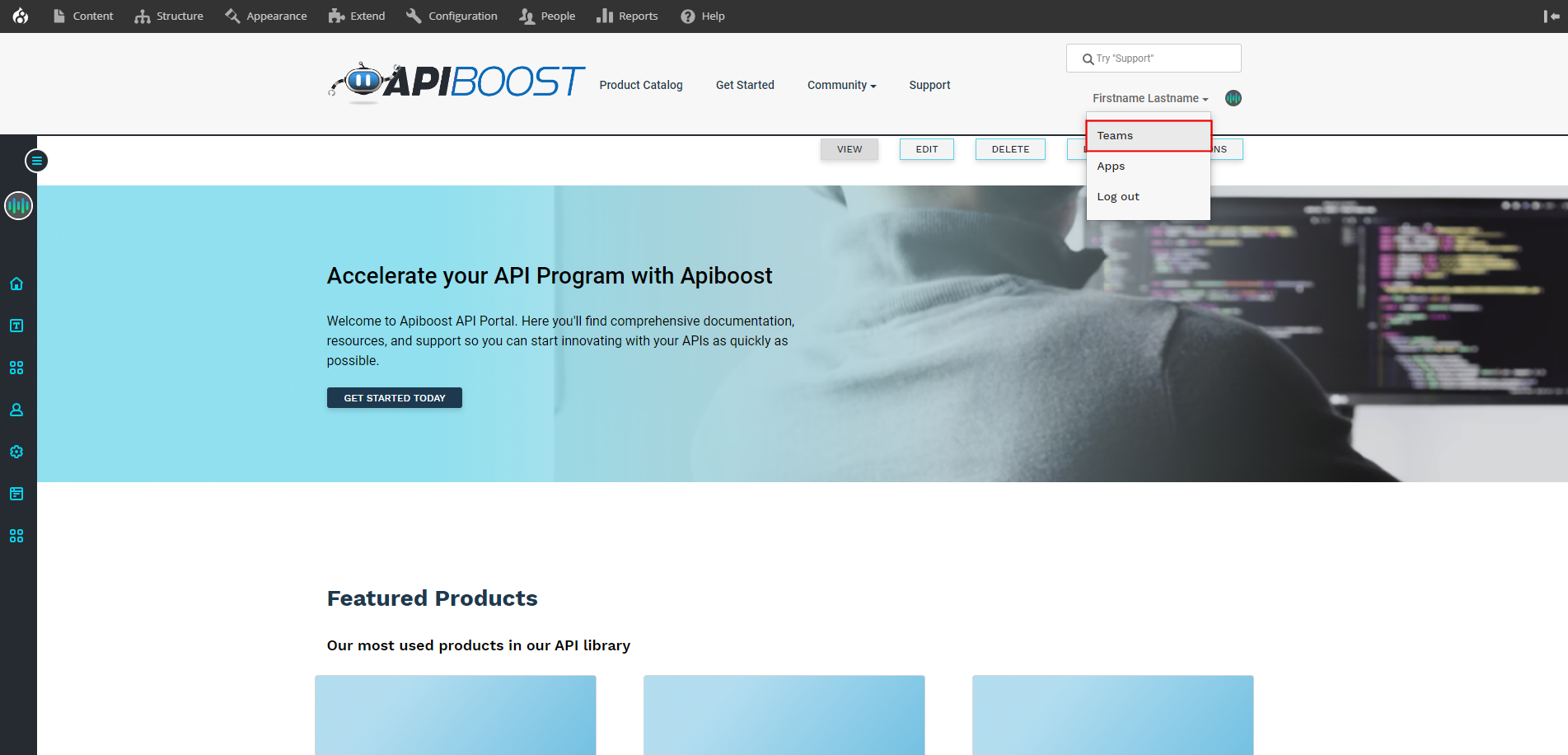
To add a team member, start by going to /teams or select it from your user dropdown menu:
Customizing the Invitations Page
From there, you can modify the page title and body to better suit your needs:
-
Title: This field allows you to set the title of the page. You can choose "My Invitations" or any other relevant message.
-
Body: This field is a self-referential description of the page, which informs the user that they are viewing a list of their apps.