
How to create a shared team app experience in Apiboost
Creating a New Team
At the moment, only site Admins and Product Owners may create new teams.
Self-service teams are an upcoming feature enhancement.
Adding New Team Members
As a team admin, you have the ability to manage the team’s apps, members and the team’s description. As a team member, you’re given read access to credentials for apps of teams you’re a member of.
|
Admins |
Members |
|---|---|
|
|
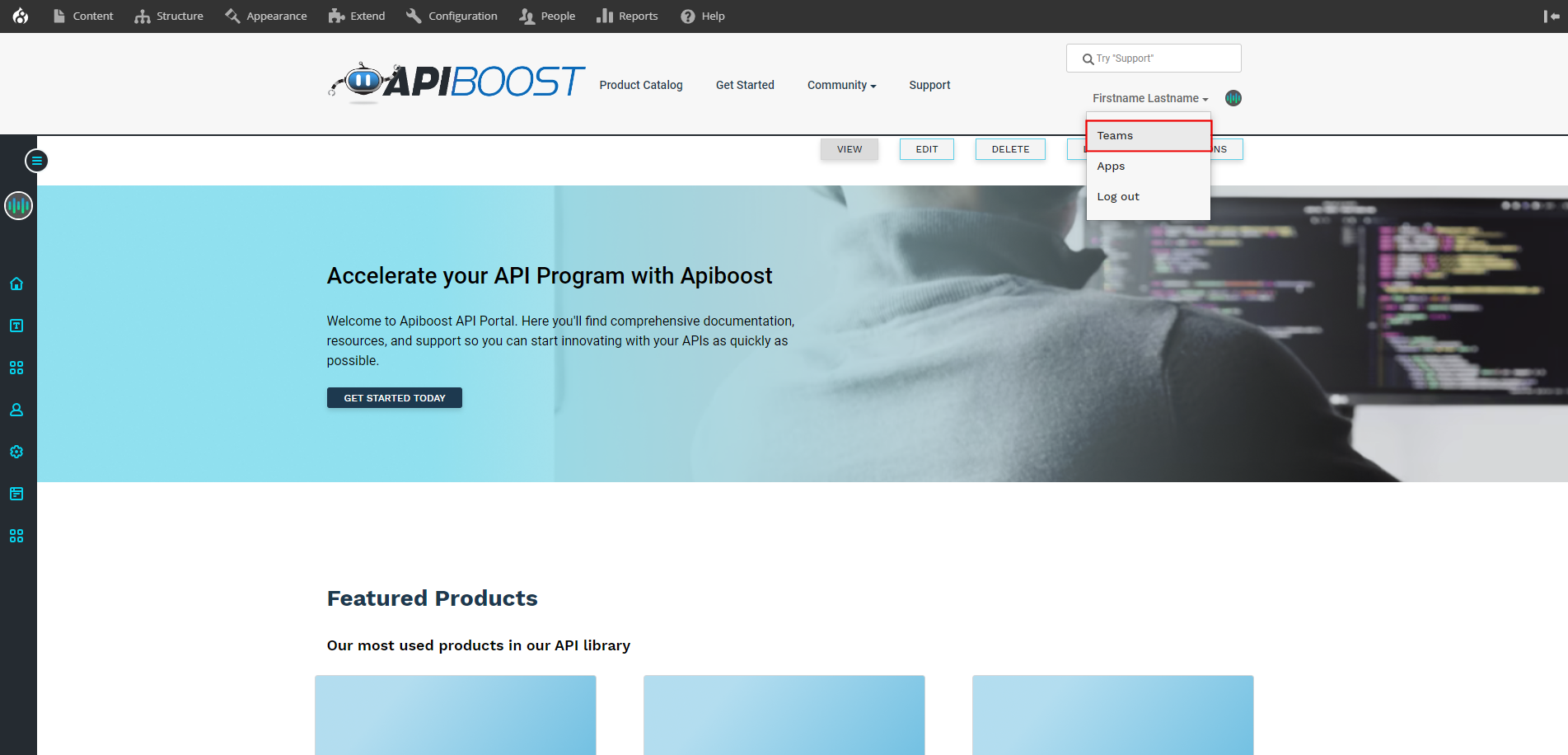
To add a team member, start by going to /teams or select it from your user dropdown menu:
Customizing the Invitations Page
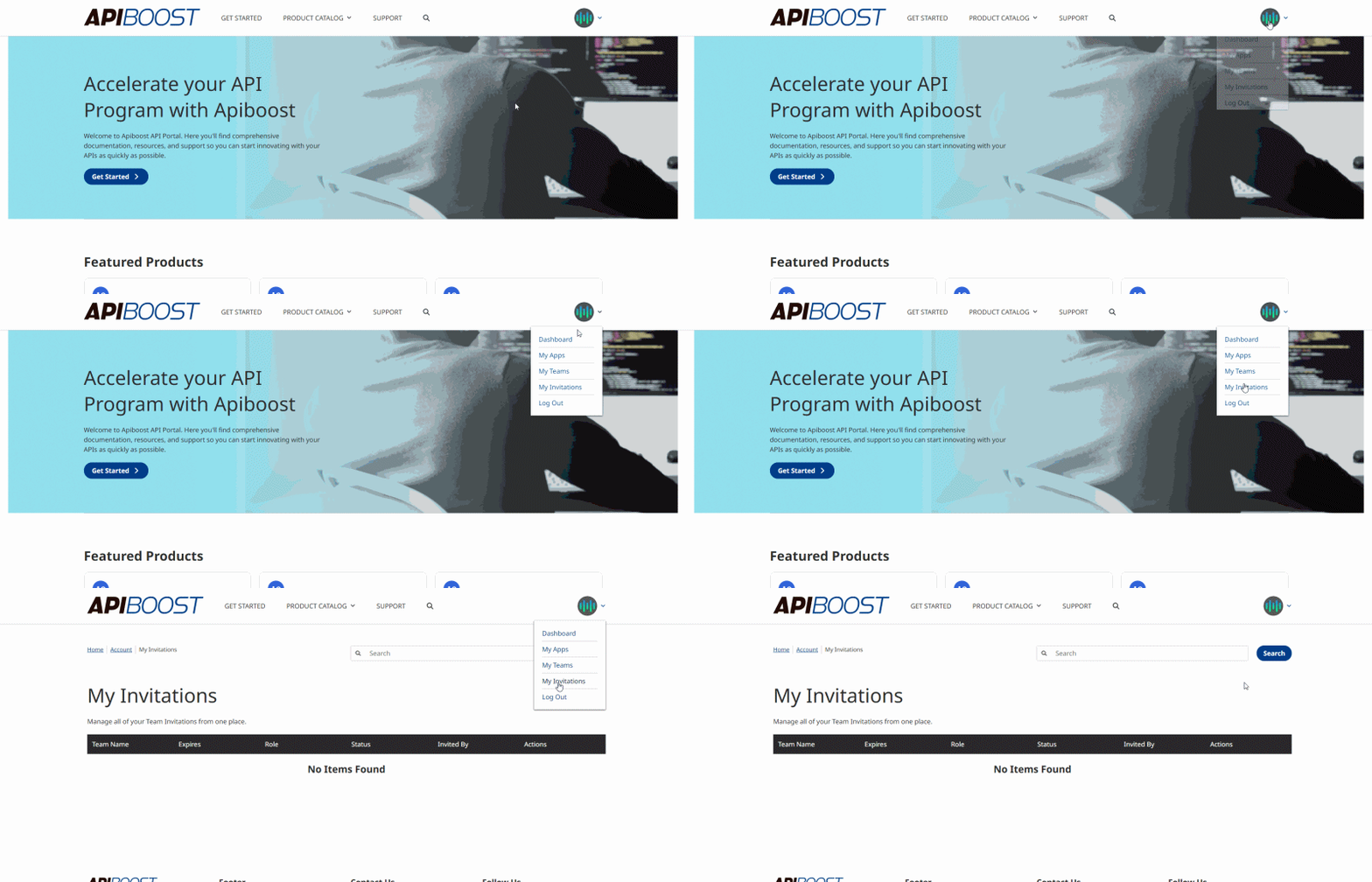
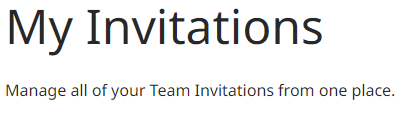
The default page title for a user's invites is "My Invitations" with a placeholder description. However, you can customize this title in the V2 backend by using the My Invitations API. To access this setting, go to the same menu as the Site Settings API, where it can be found directly beneath Site Settings API.
From there, you can modify the page title and body to better suit your needs:
-
Title: This field allows you to set the title of the page. You can choose "My Invitations" or any other relevant message.
-
Body: This field is a self-referential description of the page, which informs the user that they are viewing a list of their apps.