
This is a cheat sheet reference to the components available in Apiboost and their settings
Hero

Fields:
-
Title: H1 header text to overlay the background image
-
Body: Text to display under the header
-
Link: Two fields required to render the CTA button under the body text
-
URL: Source URL to send user when clicking the button
-
Link text: The label text displayed on the button
-
-
Anchor Name: If using anchor links or the table of contents, what the “name” attribute should be in the URL (ex.: /home#anchorname)
-
Background Image: An image to use for the hero background. Will be cropped to 360px height by default.
-
Text Color: Can choose between black or white text, whichever contrasts better with your background
Featured Products
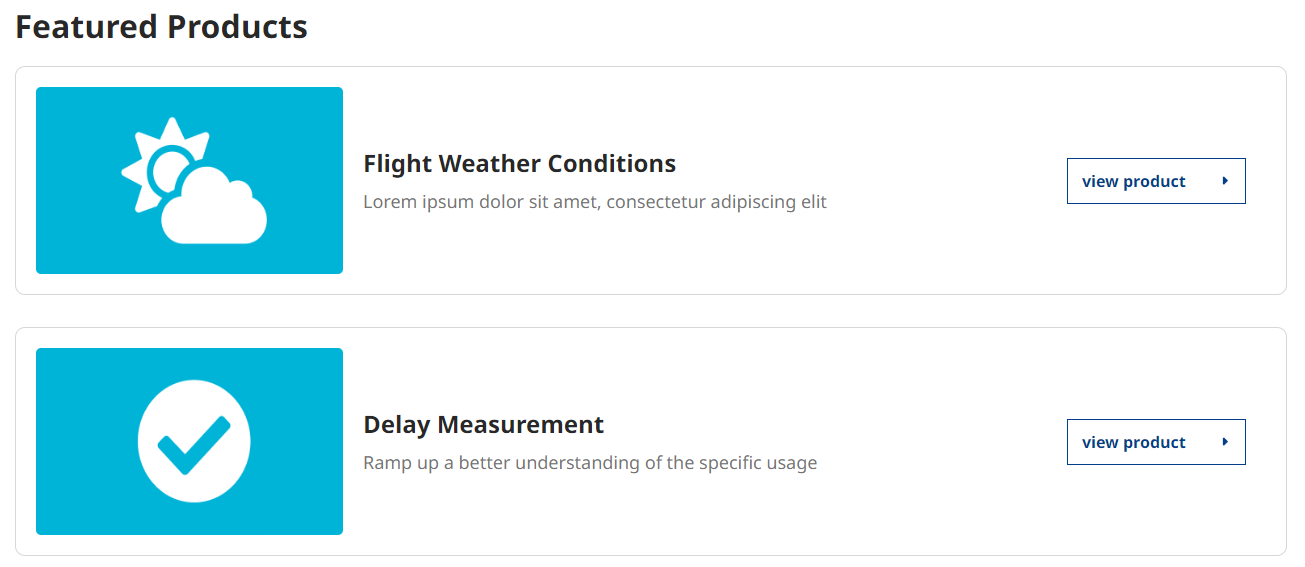
Fields:
-
Title: There are several use cases which this component would be suitable. Choose a name that best describes its intended purpose.
-
Featured Products: Choose up to six (6) products to feature.
-
Display Mode for Products: The screenshot above uses thumbnail images. However, if you were to use icons, the cards would render like this instead:
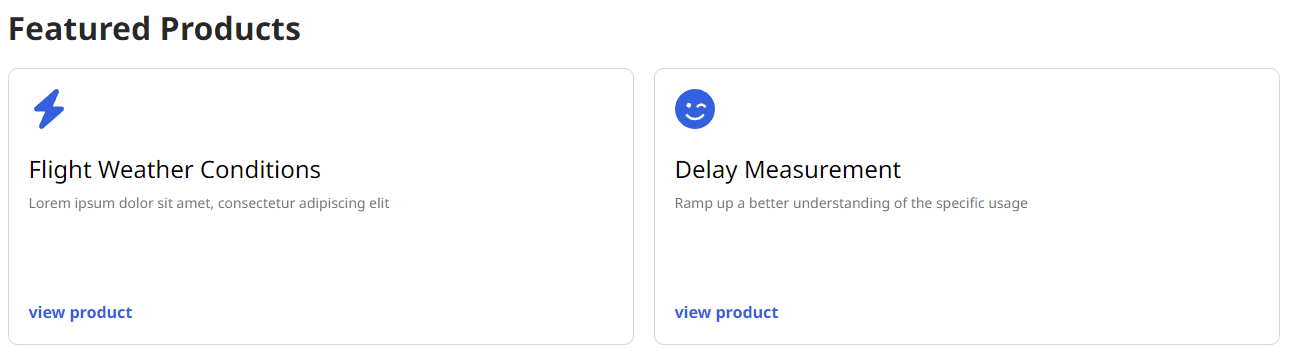
This component is restricted to one instance per page and does not have any impact on the featured products displayed in the catalog. For more information on featuring products in the catalog, please refer to our product documentation.
More Products
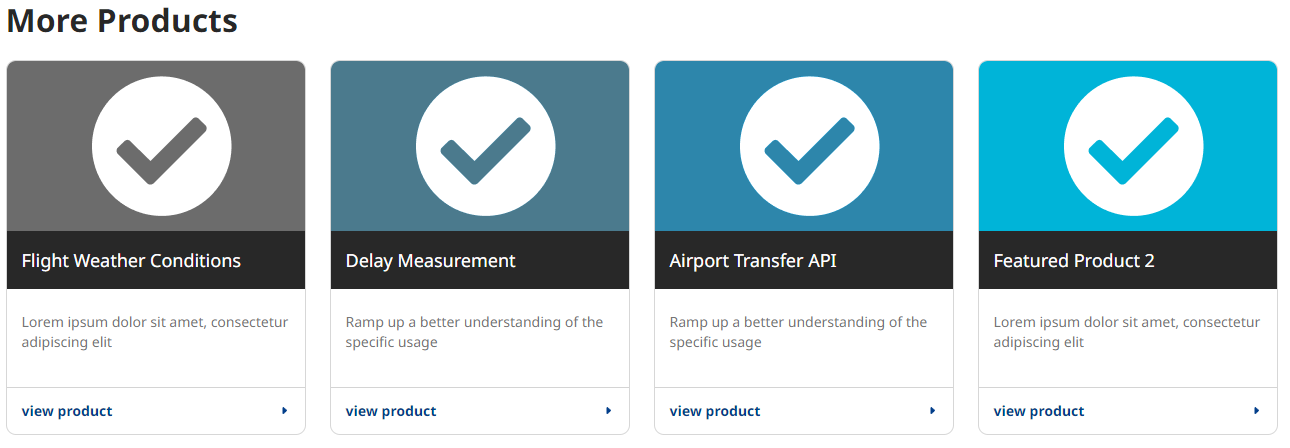
Fields:
-
Title: Similar to Featured Products, can be anything. It’s recommended to use language that best represents what the component is being used for.
-
Product(s): can display an unlimited amount of products. User cannot add the same product more than once, and display limits to four columns as seen in the screenshot above.
-
Display Mode for Products: Works the same as featured. Will show the cards using icons and alternate styling:
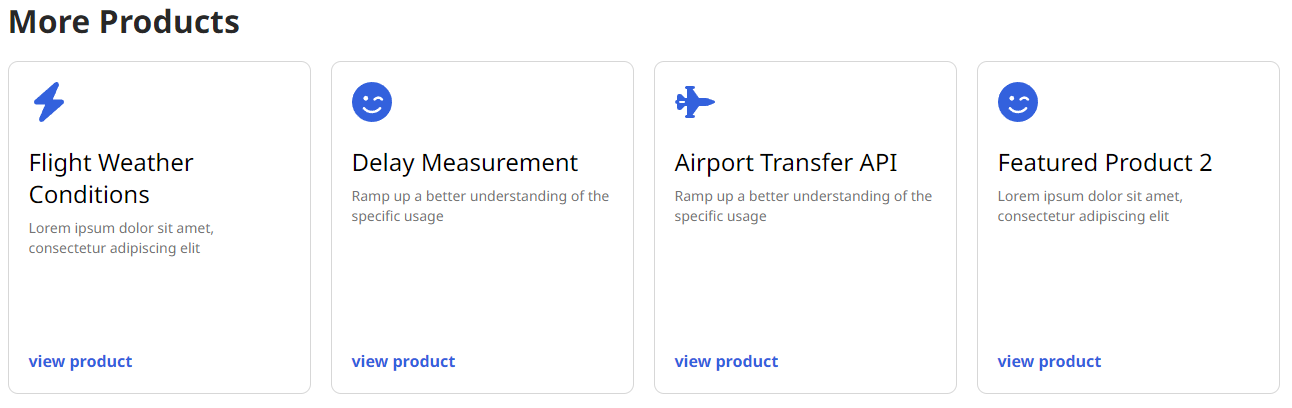
Tip: Multiple instances of this component can be used on a page, allowing flexibility to display other components between rows of products and the switching of styles for variety.
Frequently Asked Questions
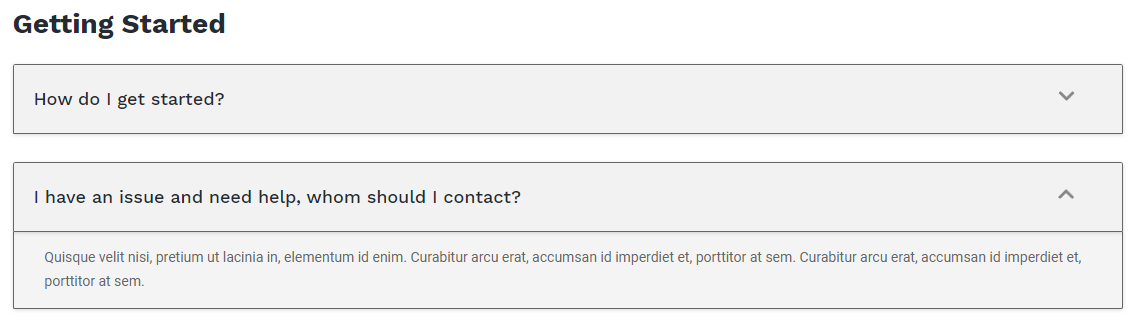
Fields:
-
Category: Excellent for distinguishing one FAQ group from another on the same page.
-
Subset of FAQ Group are the FAQ fieldsets:
-
Question: The display question to be expanded on
-
Answer: The answer to the question used in the previous field
-
Add Another Item (Button): Adds more FAQ fields. No limit to how many questions can be in a FAQ group.
-
-
Title & Text

Fields:
-
No surprises, a title and text component is body text with a header title. Simple.
-
Title: A header title to display
-
Body: Body text
Title w/ Text & Link
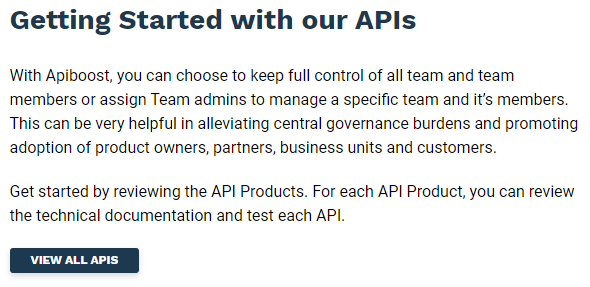
Fields:
-
Essentially the same as the component above, adding a field set for a CTA link:
-
URL: Can be a relative link (ex: “/catalog”) or a URL to an external site.
-
Link Text: The label text for the buttons. In the example above, “View All APIs” would be the link text.
Text w/ Image
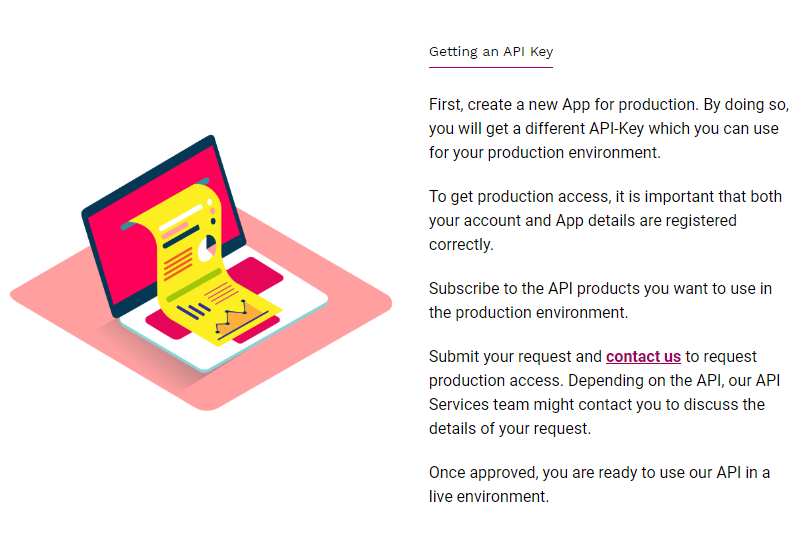
There are two text with image components. As the names suggest, they only differ in image alignment.
Fields:
-
Text with image adds a Title and Text component with an image aligned to the side.
-
Use Existing Media: If you’ve already uploaded the image to the website, you can search the filename in this reference field. Else, you can upload the image first by clicking the “media add page” link.
Text w/ Video (Left)
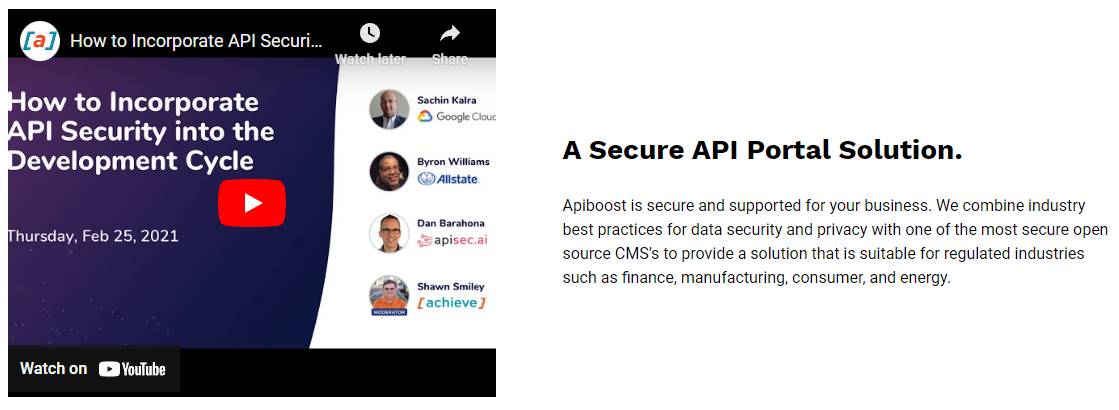
Fields:
-
Extremely similar to the Text with Image component. The only difference is the media field requires a video instead of an image.
-
Use existing media: Similar to adding an image. Embedded content (ex. YouTube) is supported by adding it to media as “remote video.”
50/50 Grid Layout
-
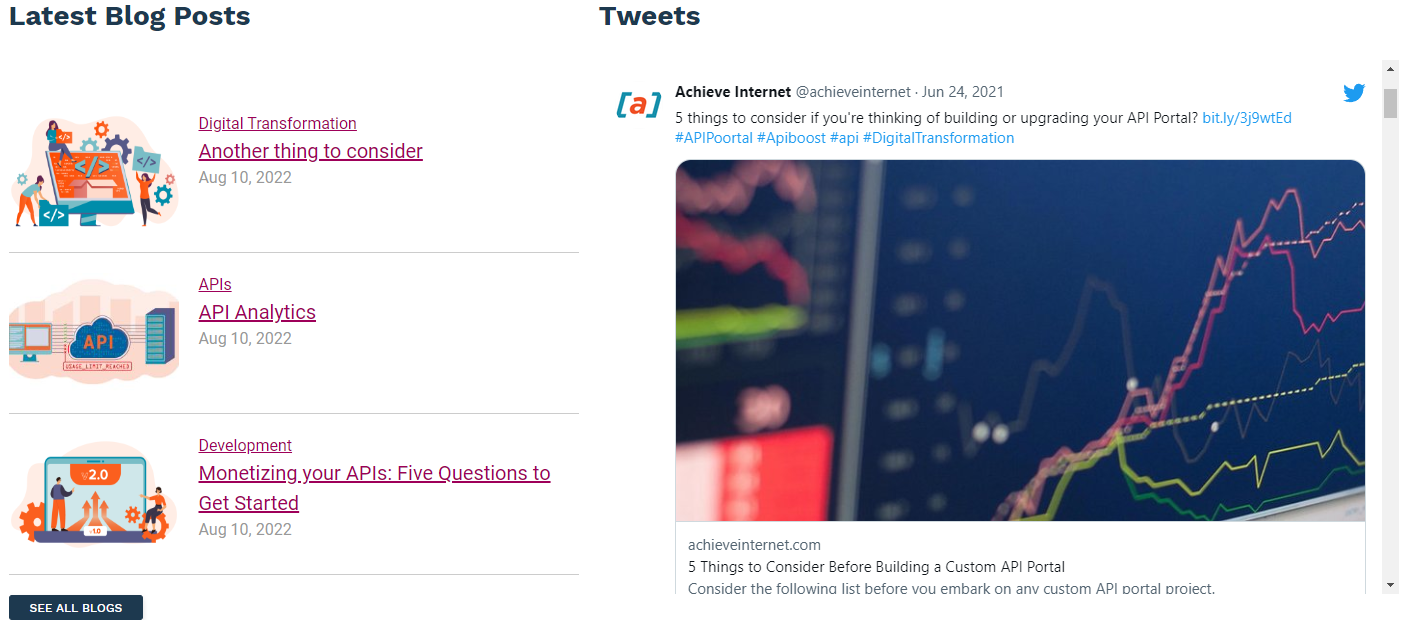
Is a layout more than a set of fields to create content
-
Supports a number of components that can be displayed as 50/50, including:
-
Frequently Asked Questions
-
Image
-
Text
-
Title and Text
-
Title with Text and Link
-
Our Partners

Fields:
-
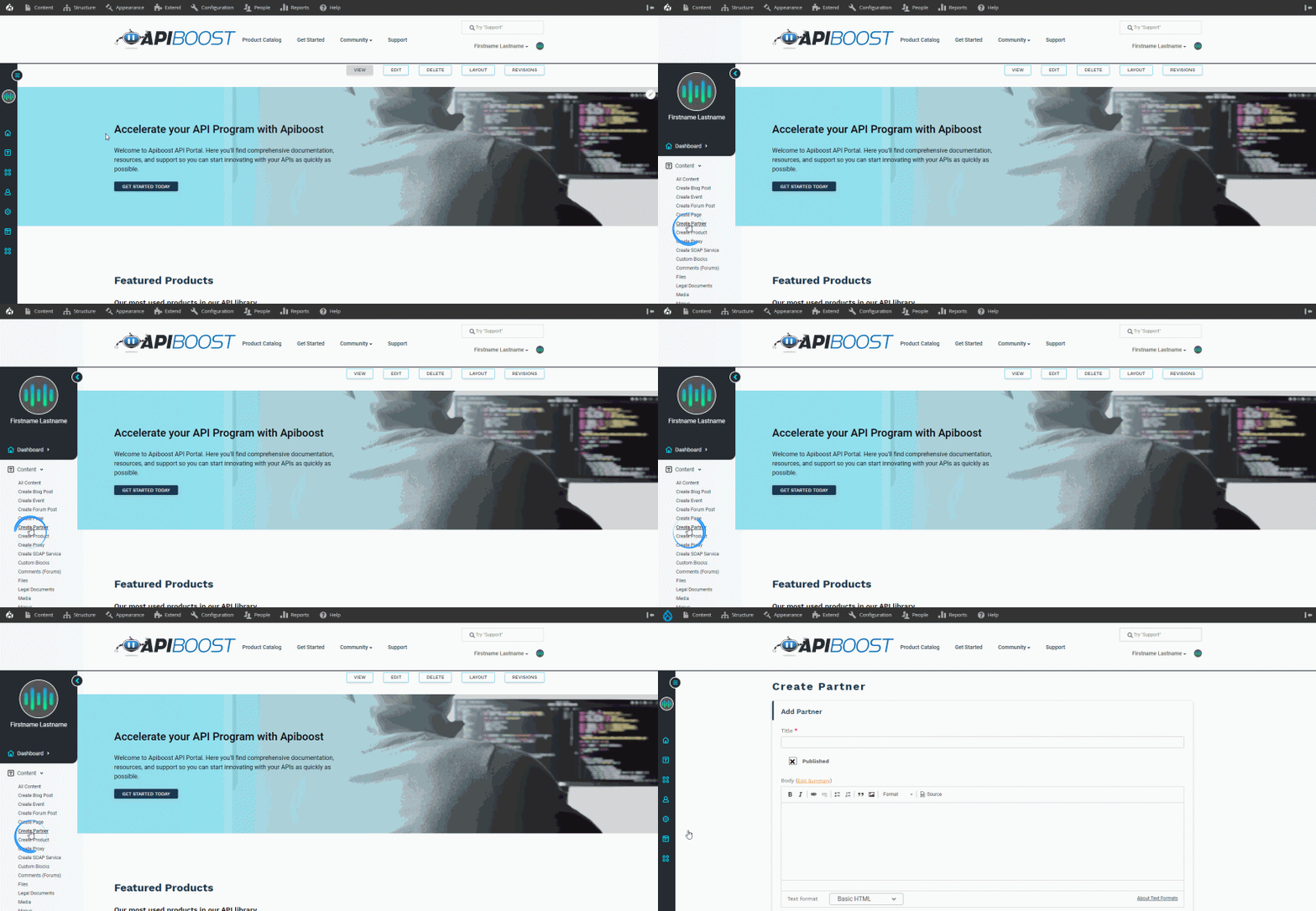
Our partners component requires partner content to display.
-
Partner nodes are easily created by adding partner:
Our Products
Fields:
-
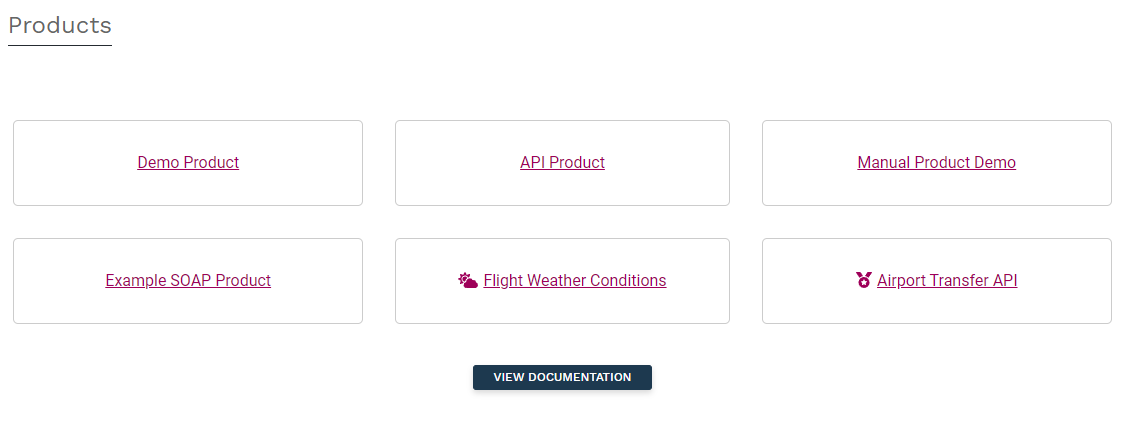
Our Products component adds a grid that shows the 6 most recently updated API products.
-
Title: In the example above, the title is “Products.” Can be left blank, if desired.